
SwiftAce
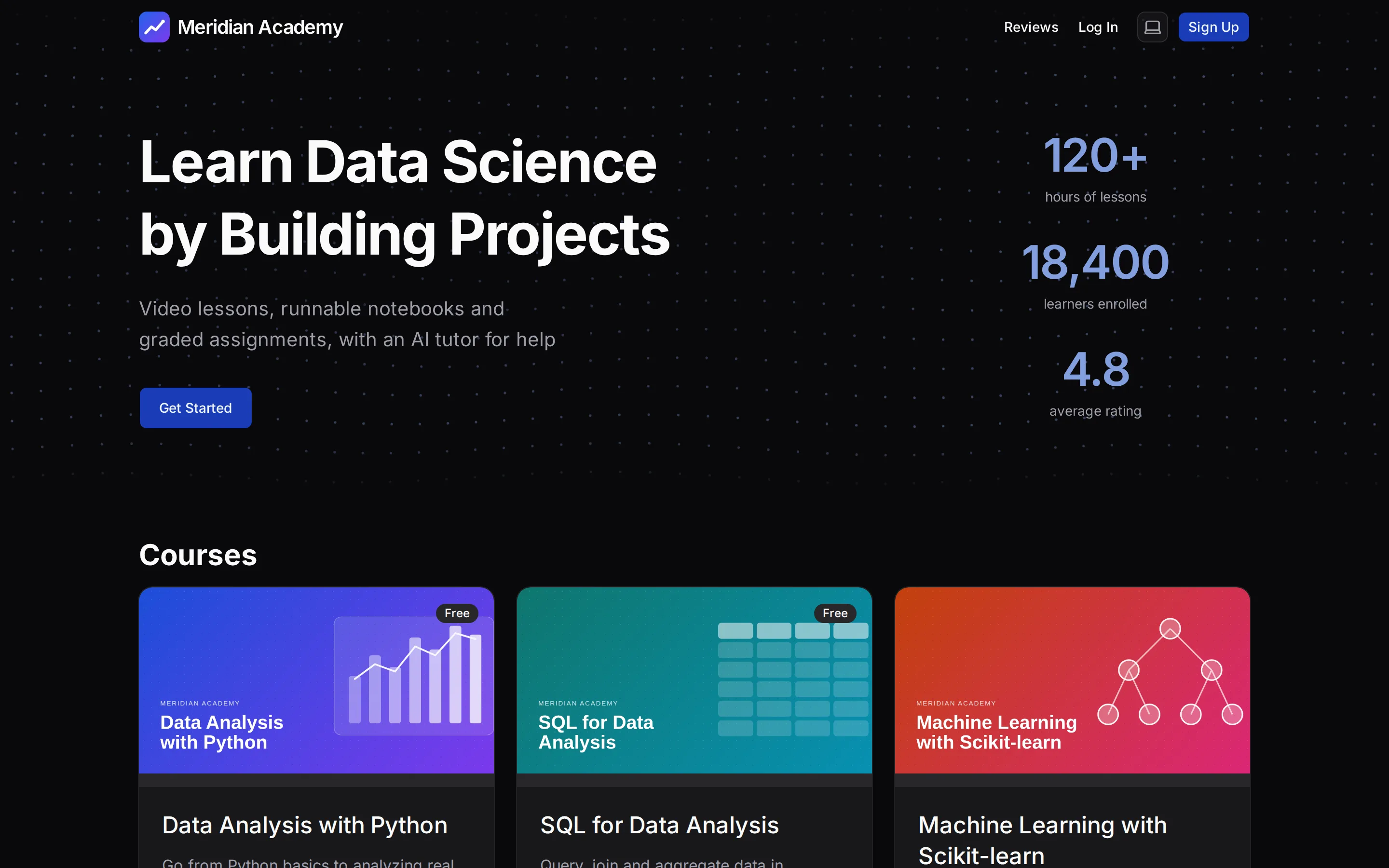
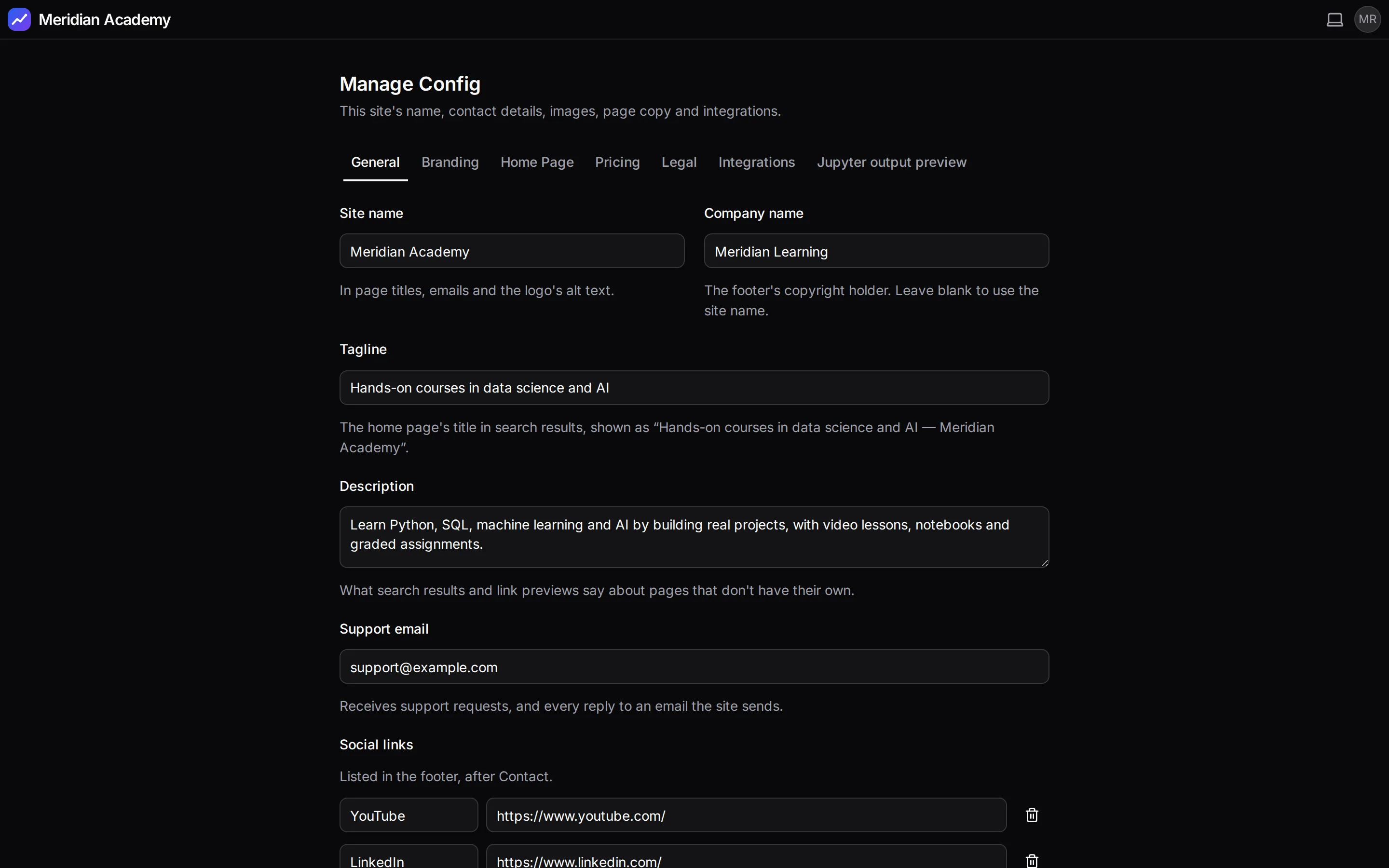
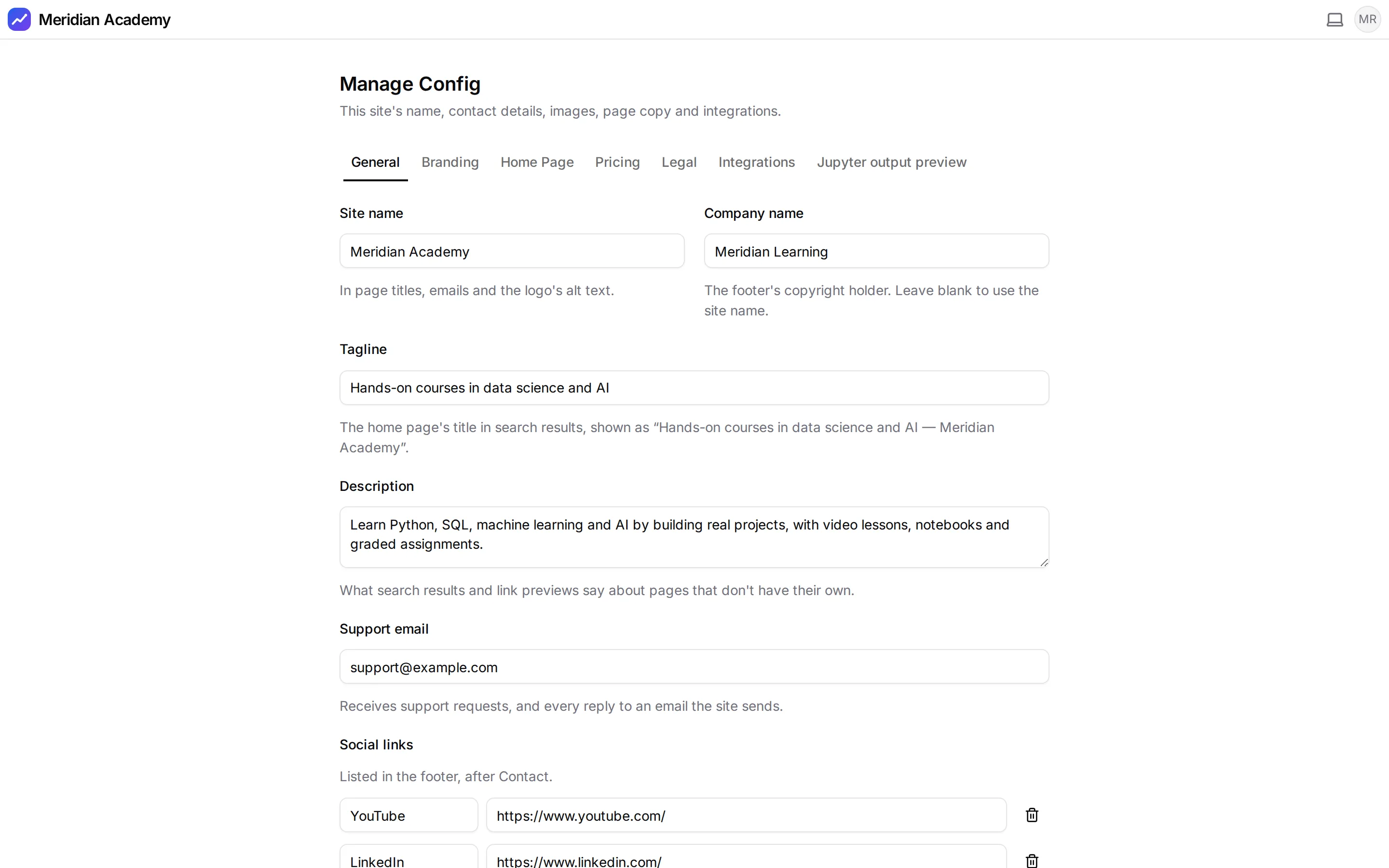
SwiftAce is an open-source platform for hosting online courses. It ships as a single binary that you can self-host on your own server and domain, with your data in Postgres. Your site's name, branding, copy and integrations are all set from an admin page.
Features
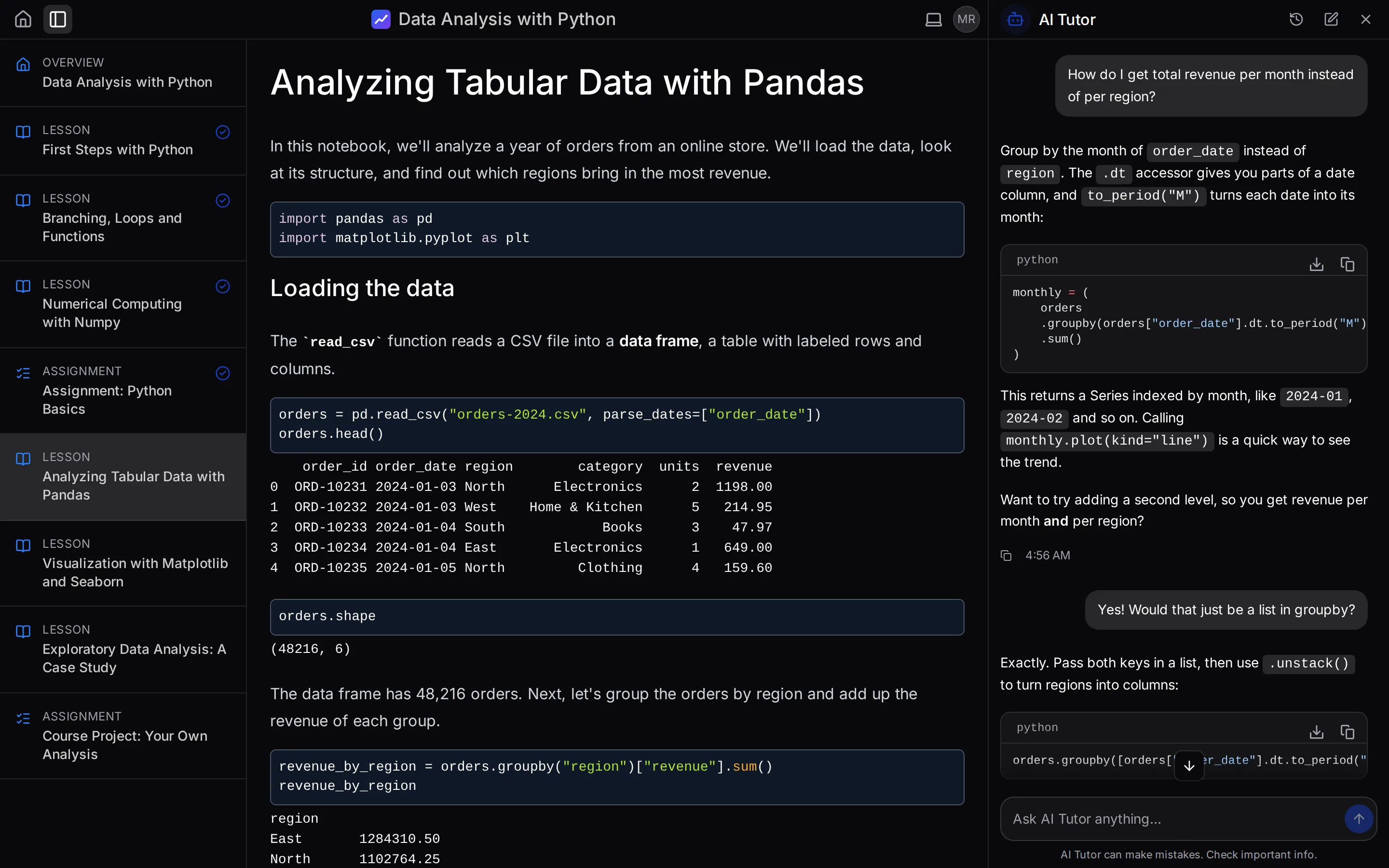
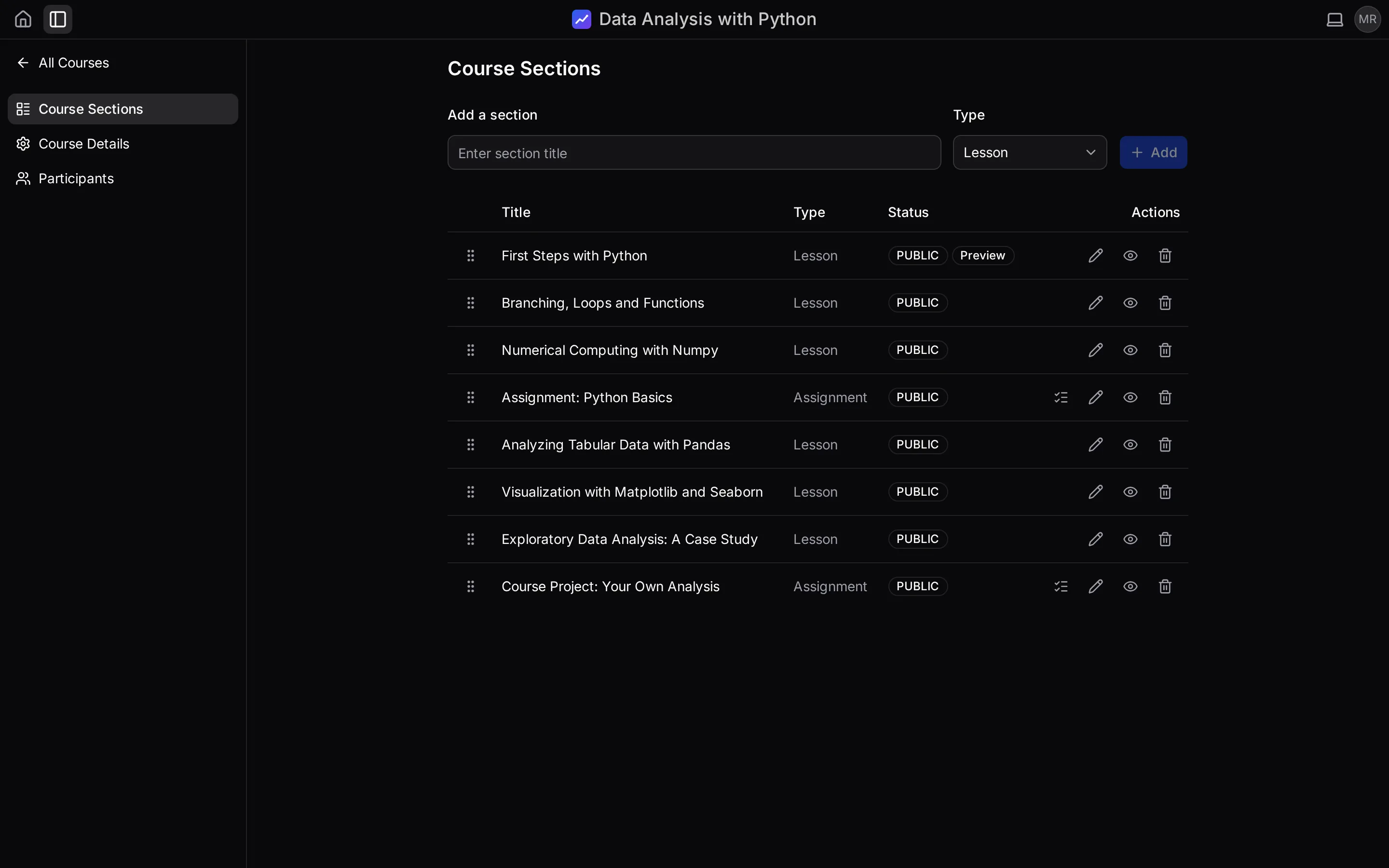
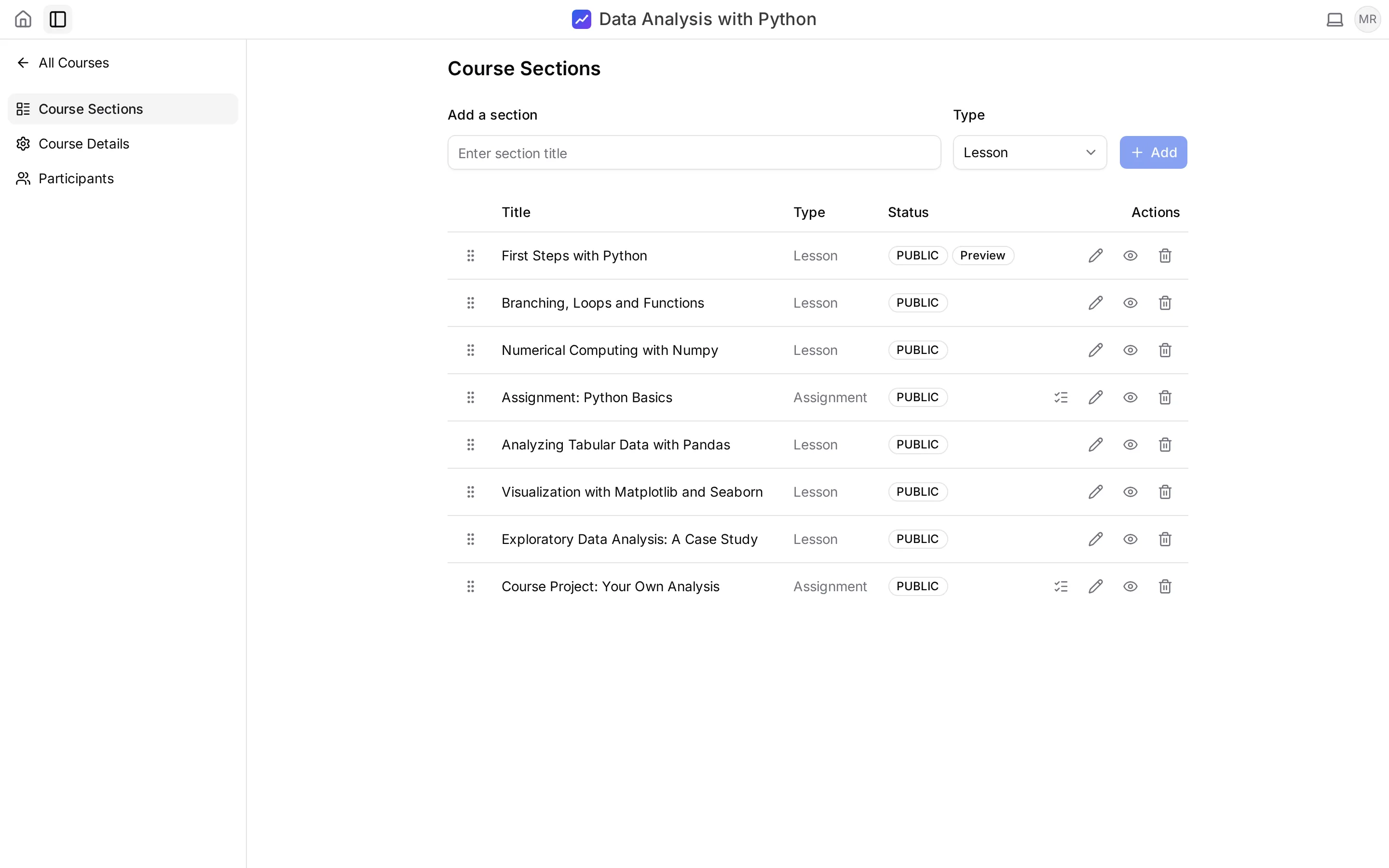
- Courses with video lessons, Jupyter notebooks, quizzes and graded assignments
- Certificates for learners who complete a course
- AI tutor that knows the course and the lesson a learner is on
- Paid courses with Stripe subscriptions and free lesson previews
- White-labeling for your site's name, logo, home page, pricing and legal pages
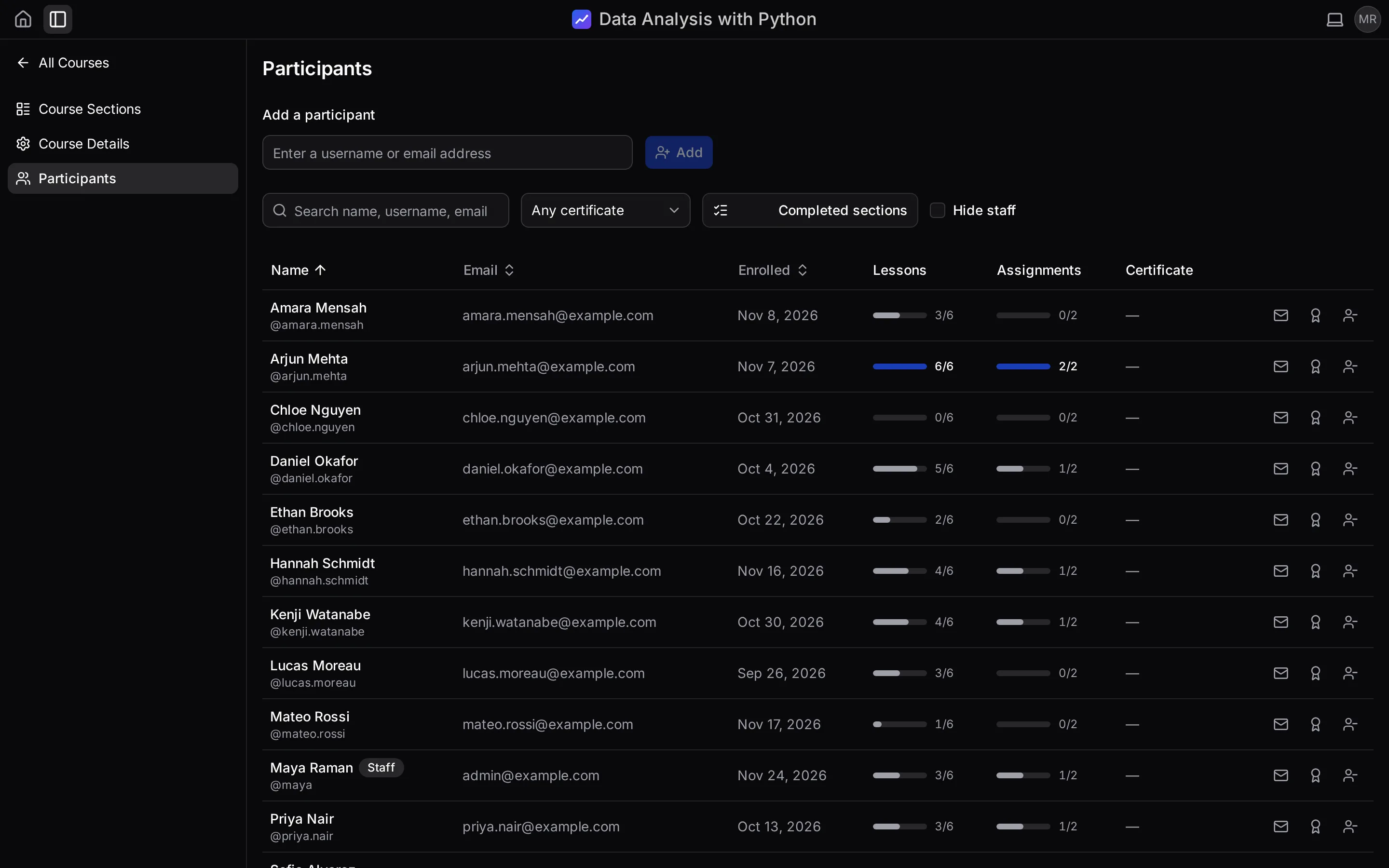
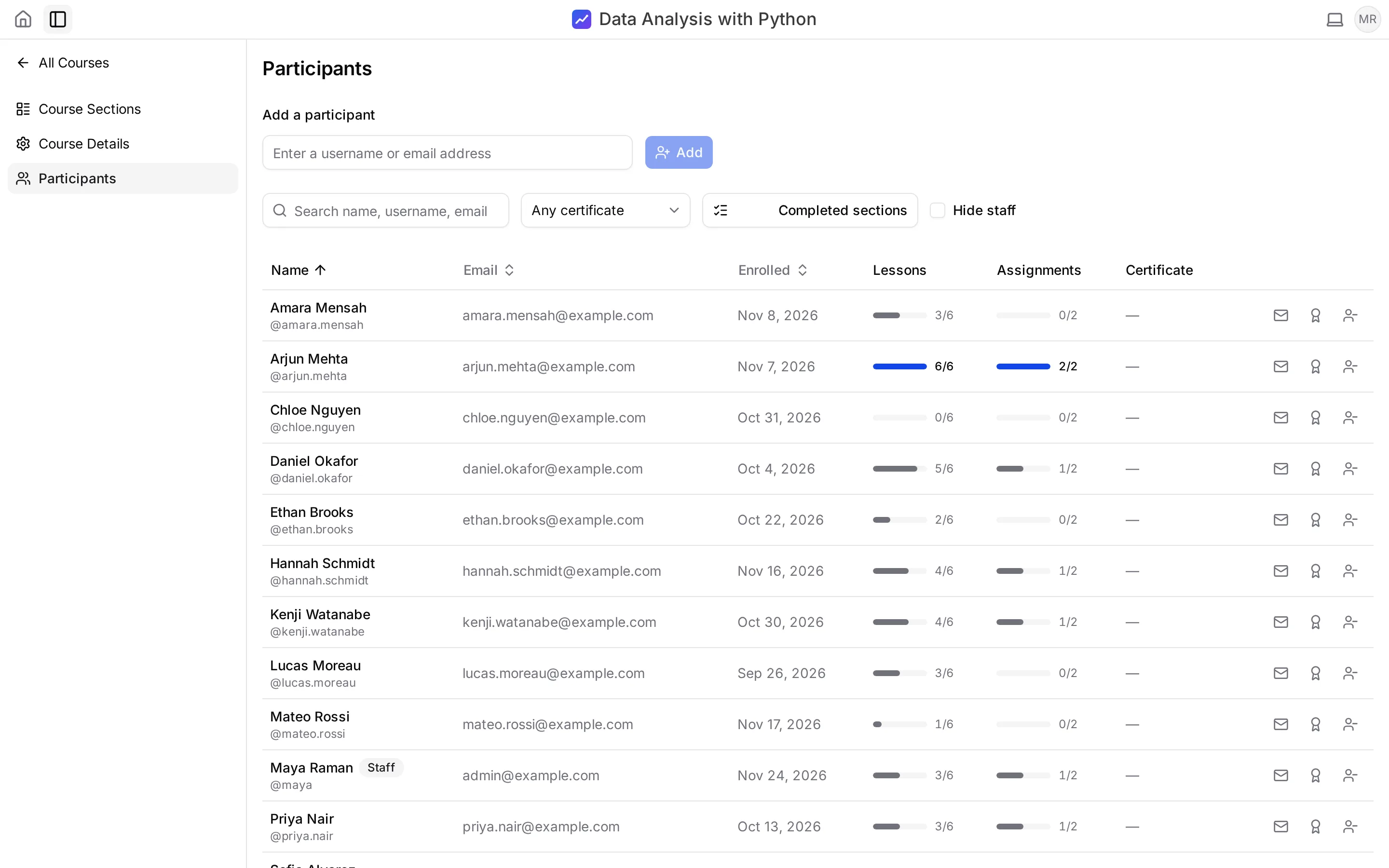
- Admin tools to manage courses, participants, progress and grading
- Sign in with email codes, Google or GitHub
- Integrations with Amazon SES, Cloudflare R2 (or any S3-compatible storage), Turnstile and PostHog
- One-command deploys behind Caddy, with updates from the admin page
Install
SwiftAce runs on Linux and macOS (x64 and arm64). This installs the latest release as /usr/local/bin/swiftace, and running it again upgrades:
curl -fsSL https://swiftace.org/install.sh | sh
You'll need a Postgres database, Amazon SES to send email, and an S3-compatible bucket such as Cloudflare R2. On a Linux server with Caddy installed and DNS pointing at it, deploy your site with:
sudo swiftace deploy example.com
It migrates the database, creates an admin account and runs SwiftAce as a service behind Caddy. See the README for configuration, upgrades and local development.
Screenshots


Development Log
Large-Scale Code Refactoring with AI
macOS Terminal Setup
How to Set Up Postgres on a Cloud VM
TanStack Start: Part 3 - Design System
TanStack Start: Part 2 - Development Tools
TanStack Start: Part 1 - Project Setup
How to Structure a Next.js Application
The Past, Present, and Future of Jovian
Remote Development Environment Setup
How to Stack Pull Requests
Cutting Cloud Computing Costs by 100x
The What, Why, and How of SwiftAce
How to Deploy a Web App to a Cloud VM
How to Build a Custom JSX Runtime
Why I'm Switching to Deno
How to Write a Function
Ship of Theseus Software Development
Design Principles for SwiftAce
Ditching Serverless for a Plain Old Cloud VM
Anatomy of a Form - Part 1
Building User Authentication from Scratch
Other Writing
Posts written while working on Jovian